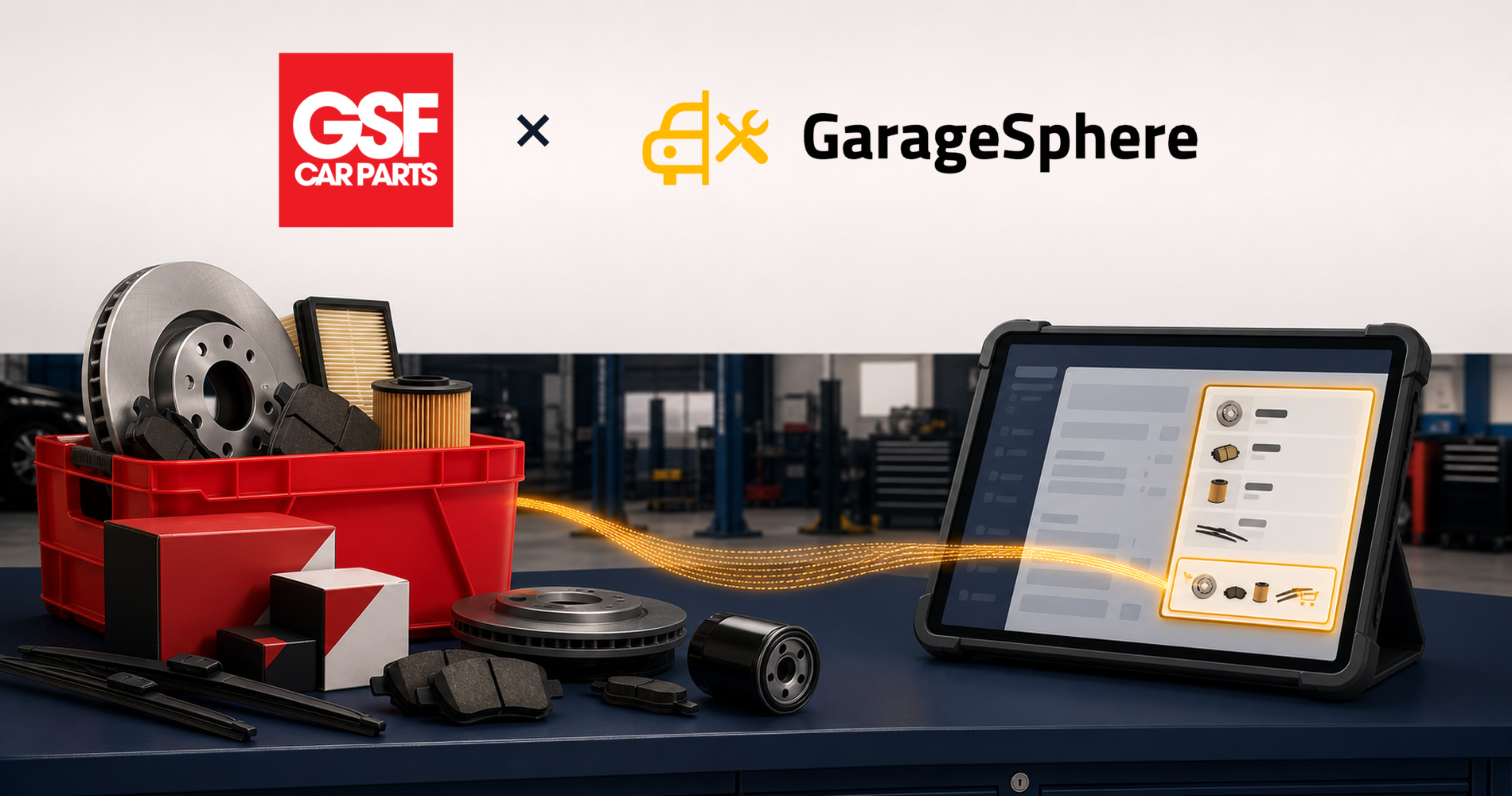
You can now order from GSF Car Parts without leaving the job you are ordering for.
The integration is live. Open a job, open the GSF catalogue from inside it, build a basket, and the parts come back onto the job card, with the prices GSF quoted for that basket, attached to the vehicle they were ordered for.
What it replaces
The way this worked before, everywhere, is a second tab.
You have the job open in one window and the supplier's catalogue in another. You find the parts, you note the numbers, you switch back, you type them in. Then you type the prices in, from what the catalogue showed you a few minutes ago.
Every one of those steps is a chance to get it wrong. A transposed digit in a part number orders the wrong thing. A price typed from memory is a price that was true when you looked at it. And the whole sequence has to be repeated for every job, by whoever is doing it, at whatever speed they type.
How it works now
It is a punchout integration, which is the standard mechanism for this and worth understanding because it explains what you get.
You open the GSF catalogue from inside the job. You are on GSF's own catalogue. Their search, their stock, their pricing for your account, not a copy of it that we refresh nightly and hope is current. You build a basket there.
When you are done, the basket comes back to us and lands on the job.
The part that matters: the parts arrive carrying the price GSF quoted for that basket. Not a catalogue price looked up afterwards, which may have moved. The number you were shown is the number on the job.
What it means day to day
No re-keying. Part numbers arrive as data, not as something somebody typed.
The quoted price. What GSF quoted for that basket is what lands on the job, so the estimate is built on the number you were actually given.
Attached to the vehicle. The parts are on the job, against the registration, in the history, not on a separate order that has to be reconciled to a job later.
One less tab. Which sounds small until you count how many times a day it was opened.
Available now
The GSF integration is available on plans that include parts integrations. If you already have a GSF trade account, connecting it is a settings change.
Existing purchase orders, stock and supplier records are unaffected. This adds a way to get parts onto a job, it does not change how parts already work. More on that in parts management, and the full list of what connects to what is on the integrations page.
What it does not do
Worth being clear about the edges, because "integration" is a word that gets stretched.
It does not replace your trade account. You order on your own account, at your own pricing, with your own terms. Nothing about your commercial relationship with GSF changes. This is a faster way to use it, not a different arrangement.
It does not manage your stock for you. Parts ordered against a job land on that job. If you also hold stock on the shelf, that continues to work the way it already does, through purchase orders and stock records.
It does not cover every supplier. This is the GSF integration. If you buy from several factors. Most workshops do: the others still work the way they always have.
Why we built this one first
Because parts ordering is the point in a job where the most re-typing happens, and re-typing is where both the errors and the time go.
A technician finds the job needs a part. Someone looks it up. Someone types the number into the system. Someone types the price. Each of those steps is quick, and each is a place where a job can end up carrying a part number that does not exist or a price that was true last month.
Removing the typing removes both problems at once, which is a better return than making the typing faster.
Getting started
If you have a GSF trade account, connect it in settings and the catalogue becomes available from inside a job. If you do not, GSF can set one up.
Existing jobs are unaffected. There is nothing to migrate.